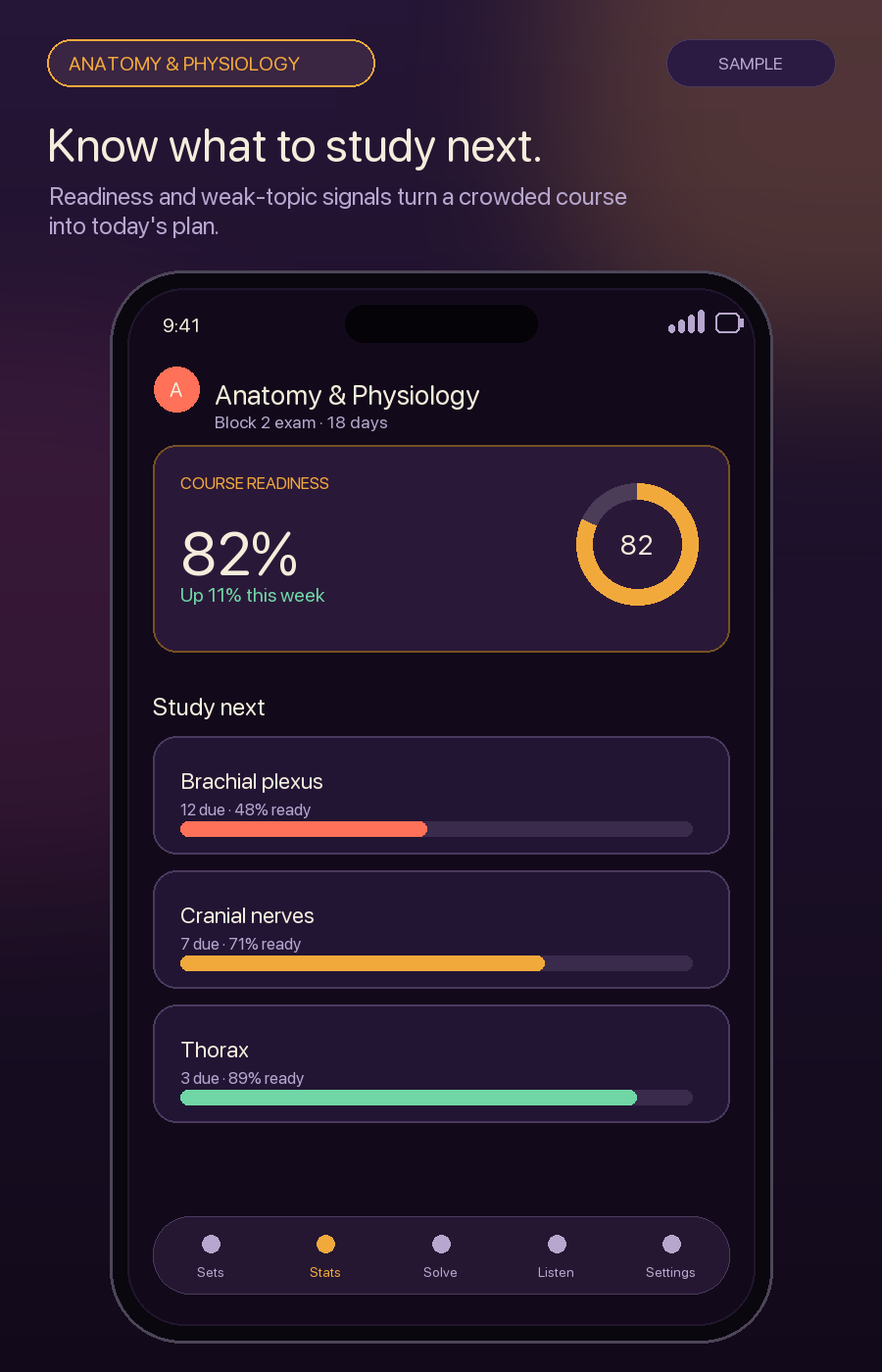
Anatomy & Physiology
Know what to study next.
Readiness and weak-topic signals help surface the set that needs attention now.
 ALL : Active Learner Labs
Upload your real class quizzes and past papers — ALL copies them word-for-word into flashcards, quizzes, and fill-in-the-blanks you can drill. Then have the AI tutor write brand-new sets from your notes. Spaced repetition makes it stick. Made for the firehose of med school, and every high-volume course after it.A classmate sent you an .alldeck study set. Get ALL — free — to open it, then study it as flashcards, quizzes, and fill-in-the-blanks, with spaced repetition and an AI tutor.
How it works
It organizes everything into decks, then cycles the right questions back to you. Three steps, no account, no setup.
Upload or paste the quizzes, past papers, and question banks you already have — they're copied word-for-word, so you practice the real thing.
Your own material becomes flashcard, multiple-choice, and fill-in-the-blank decks — and the AI tutor can write brand-new practice sets from your slides too.
Spaced repetition brings the right questions back before you forget and targets your weak spots; the AI tutor explains the why.
What progress can look like
Explore sample progress across eight demanding subjects. ALL turns the material you add into focused practice and helps you see what deserves attention next.
Illustrative subjects and sample progress shown.
Readiness and weak-topic signals help surface the set that needs attention now.
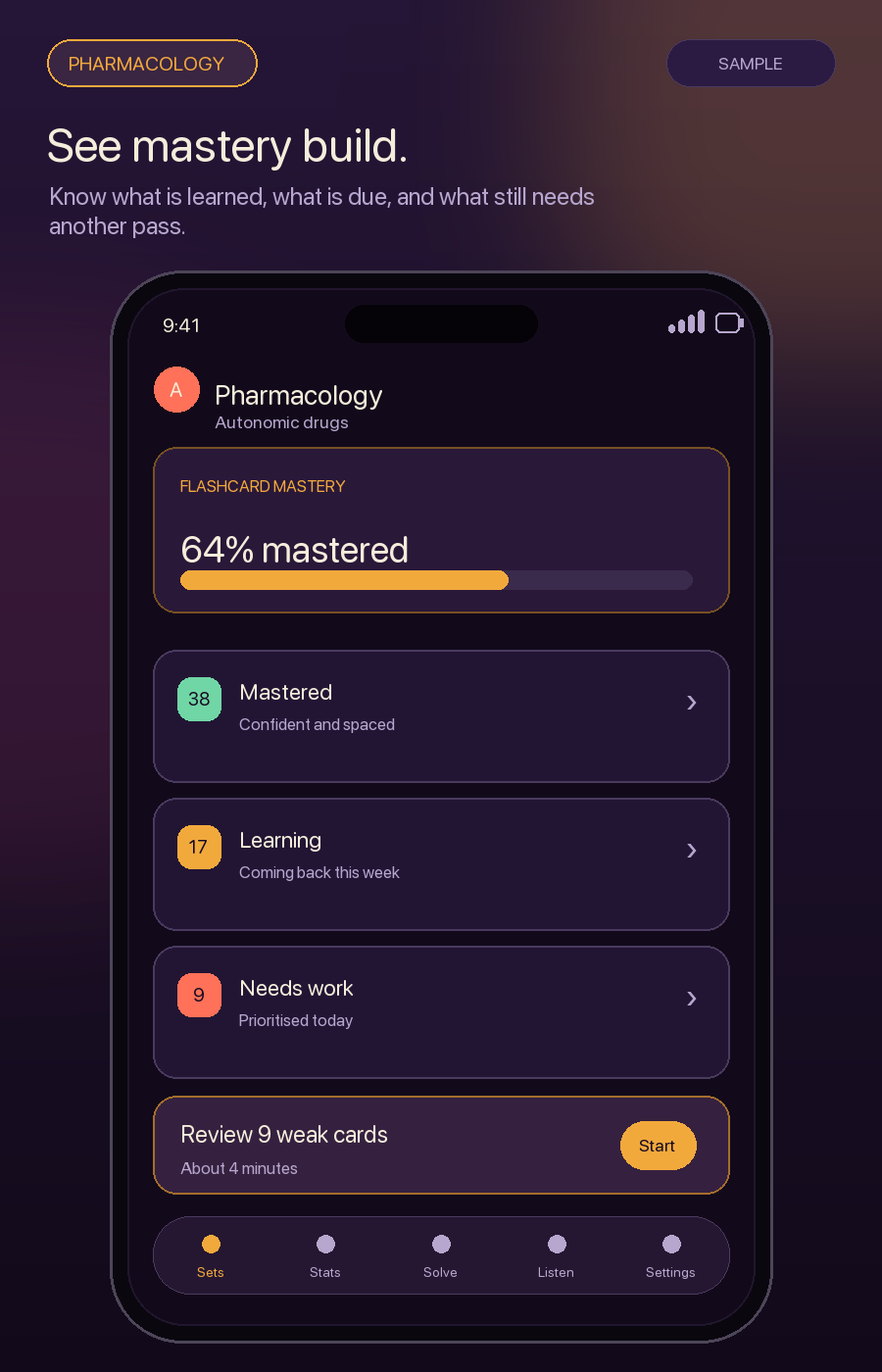
Track what you know, what is due, and what still needs another pass.
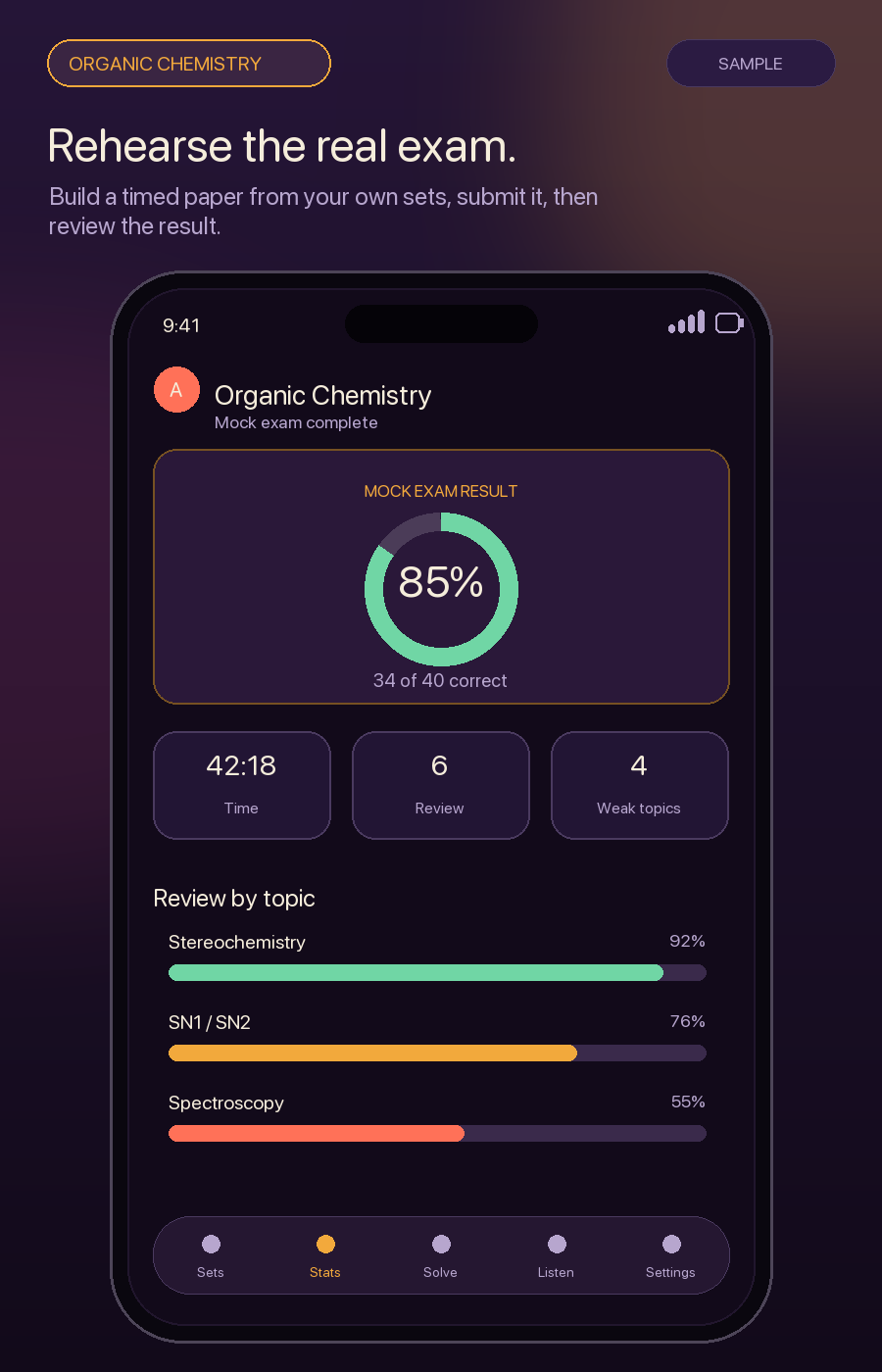
Build a timed mock exam from your study sets, then review the results after you submit.
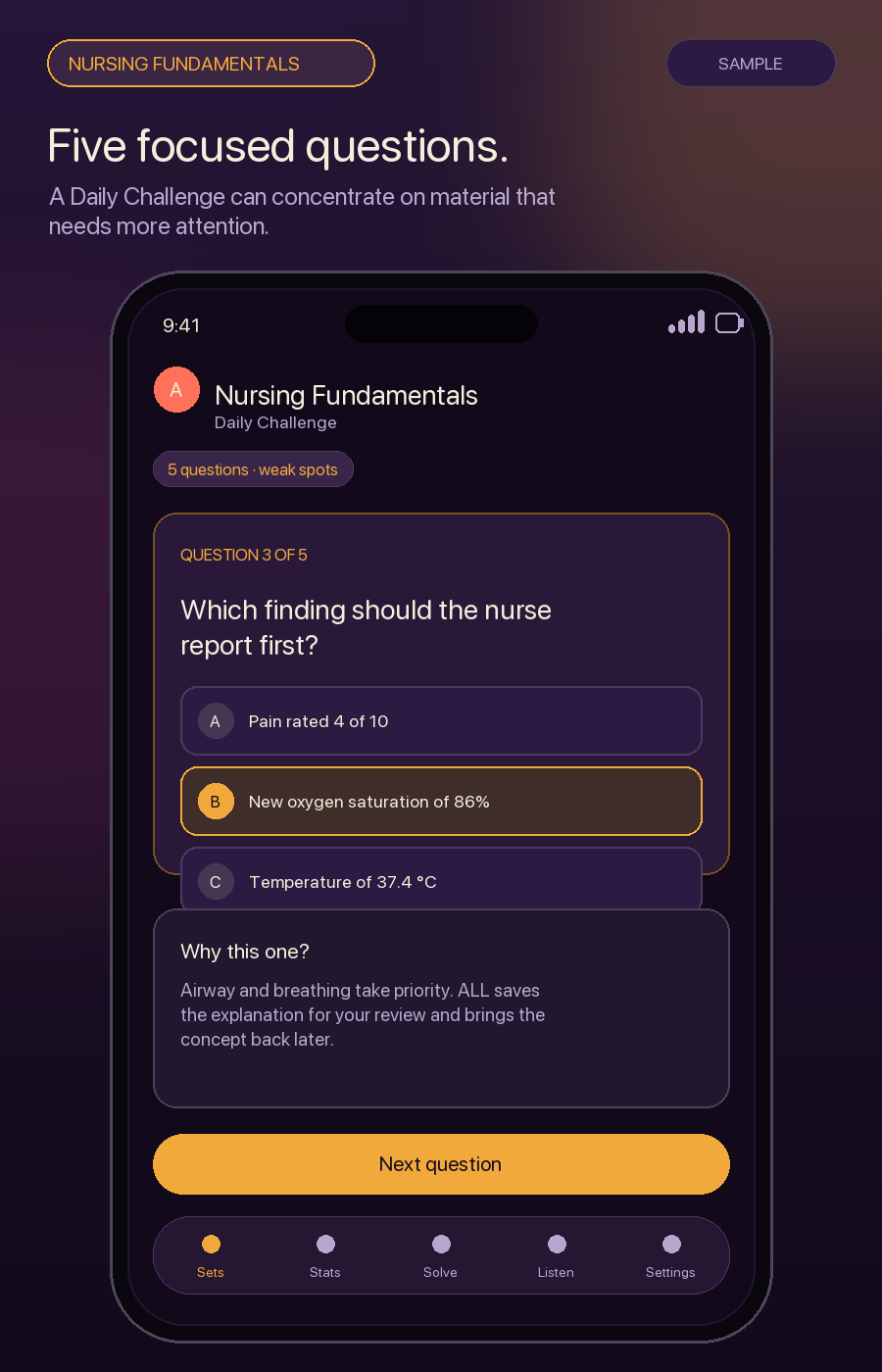
Practice a Daily Challenge built around material that needs more attention.
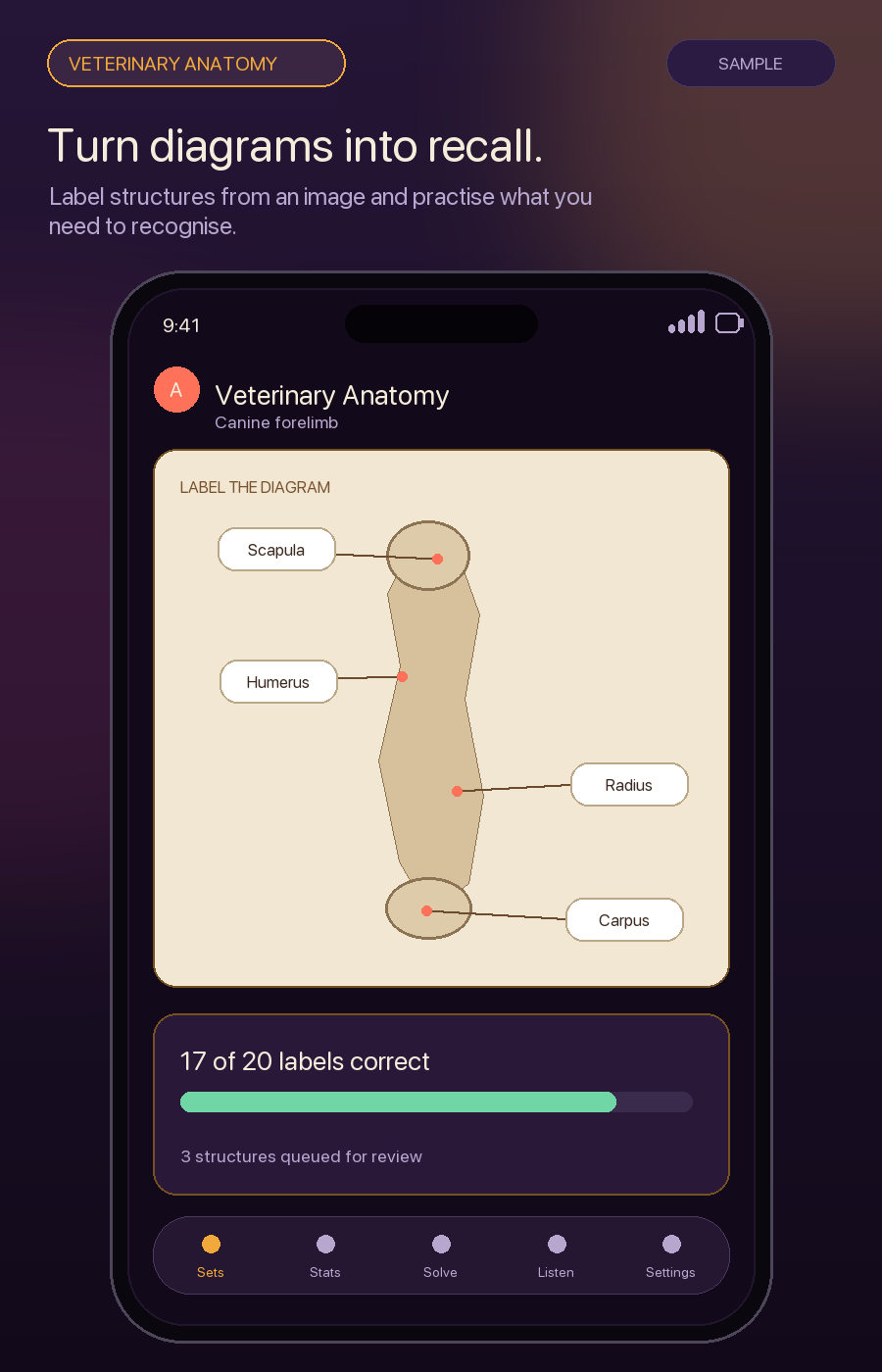
Label structures from an image and practise the details you need to recognise.
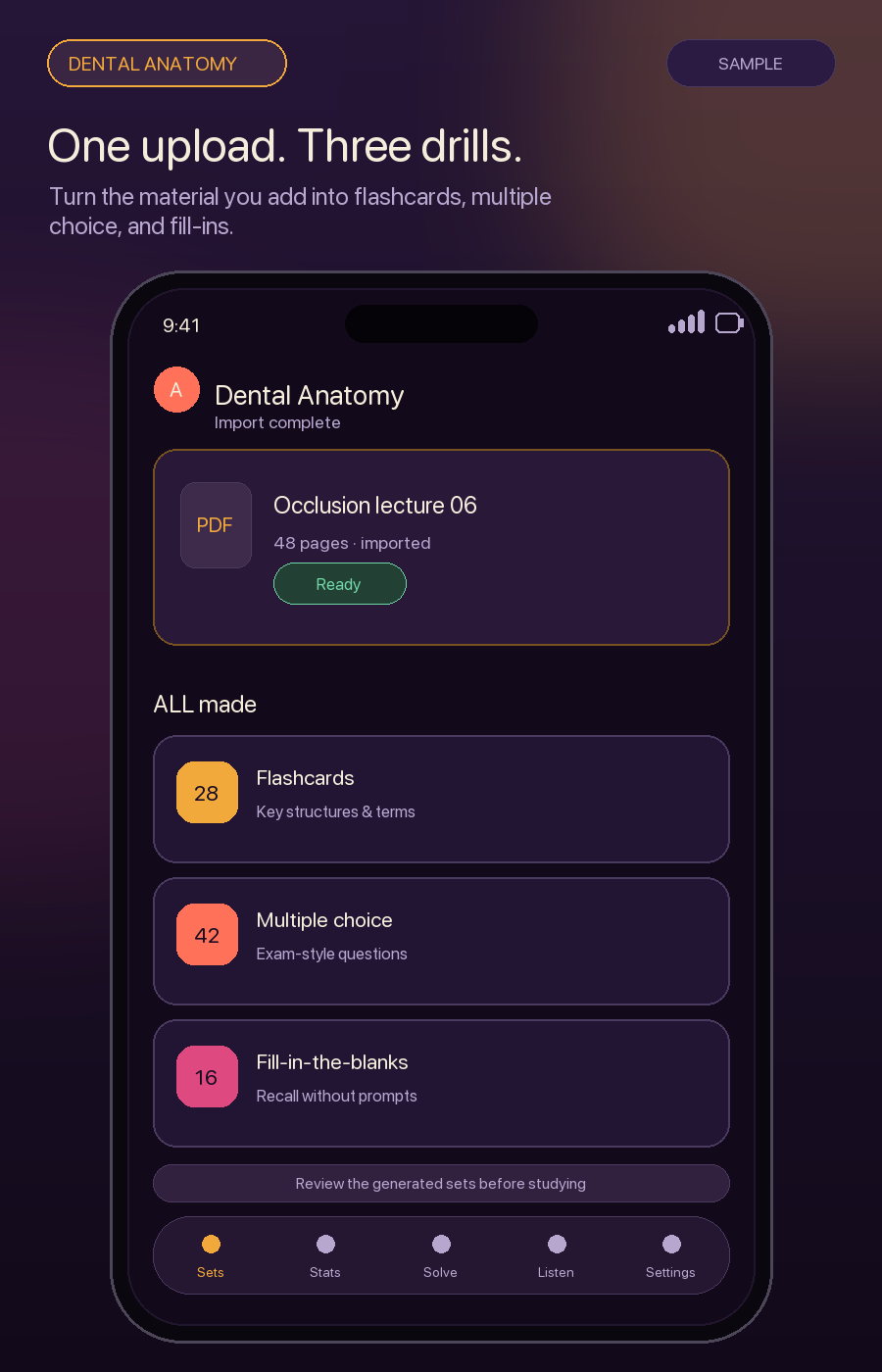
Turn the material you provide into flashcards, multiple-choice, and fill-in-the-blank sets.
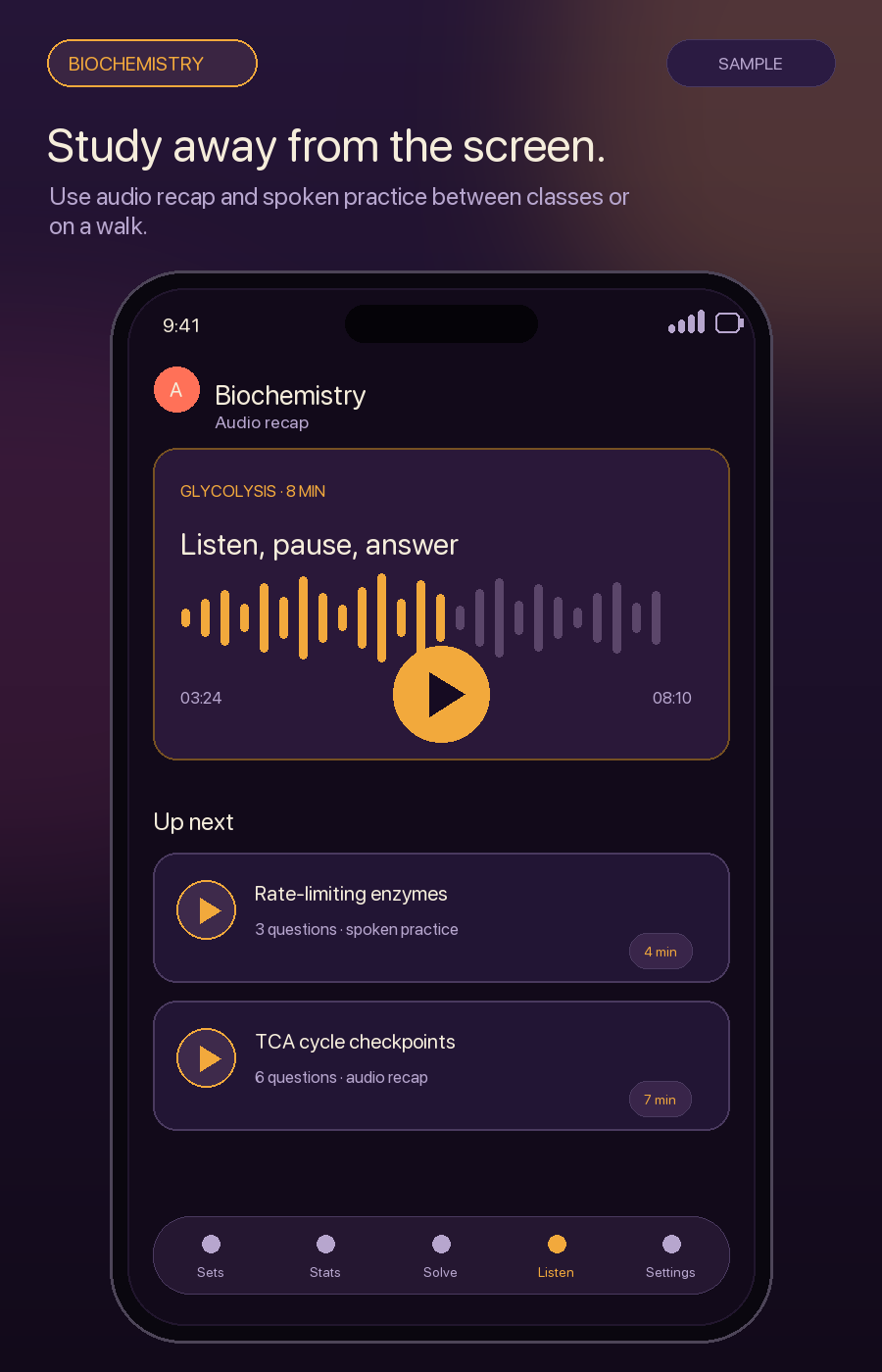
Use audio recap and spoken practice between classes, on a walk, or during a commute.
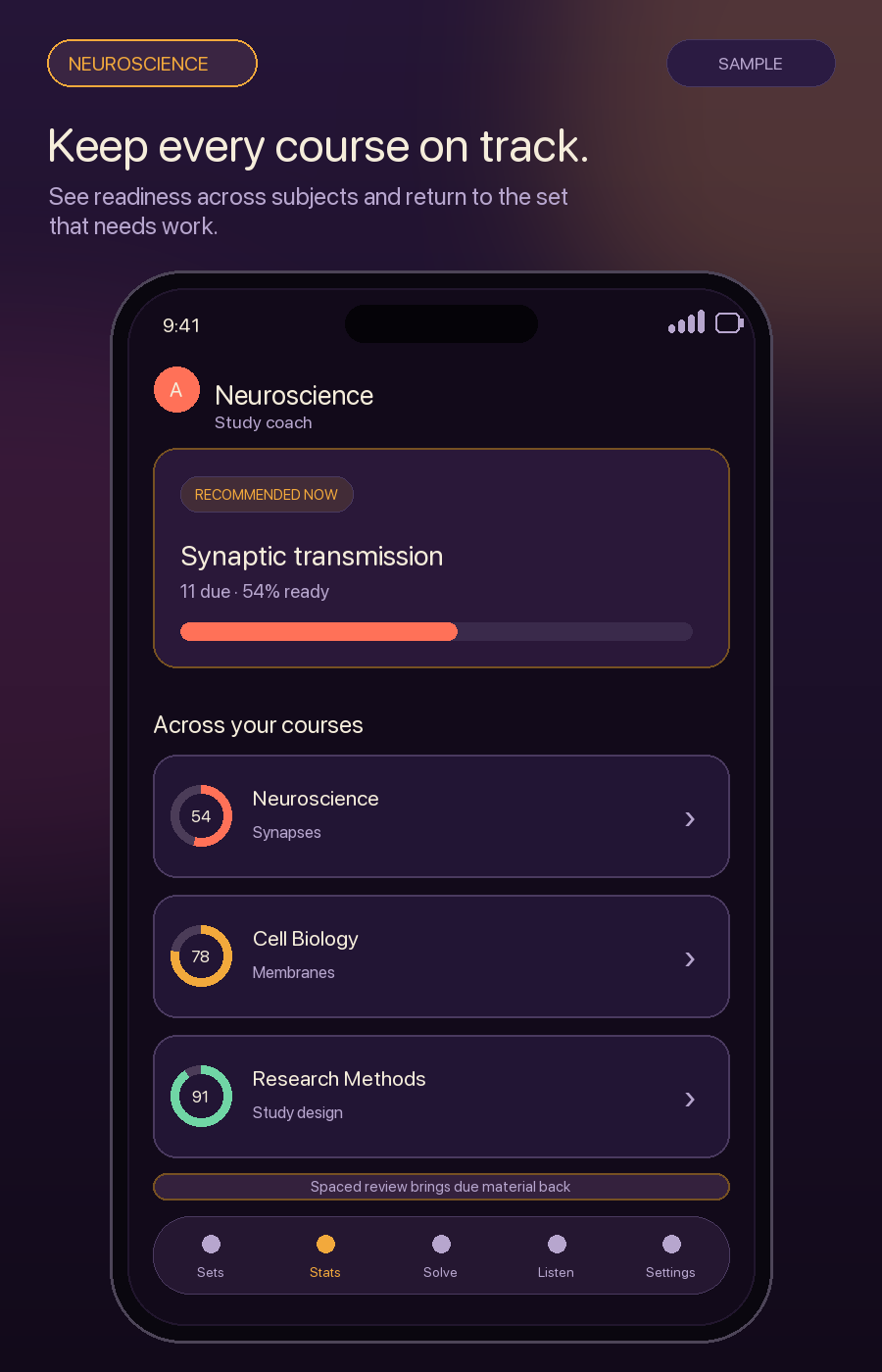
See readiness across subjects and return to the set that needs work.
Download ALL free, add one quiz or set of notes, and start practising on iPhone, iPad, or Mac. No ALL account required.
See it
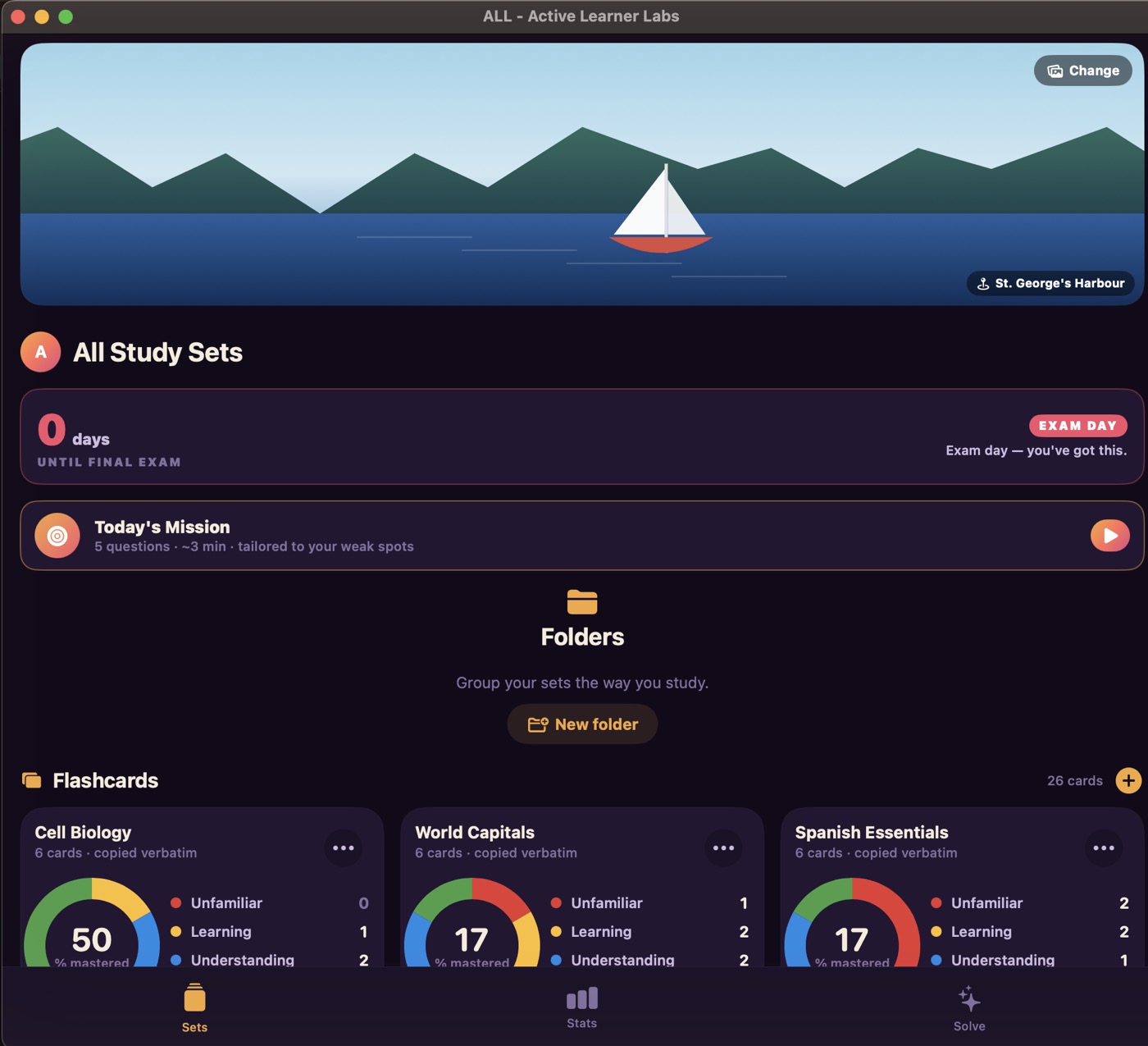
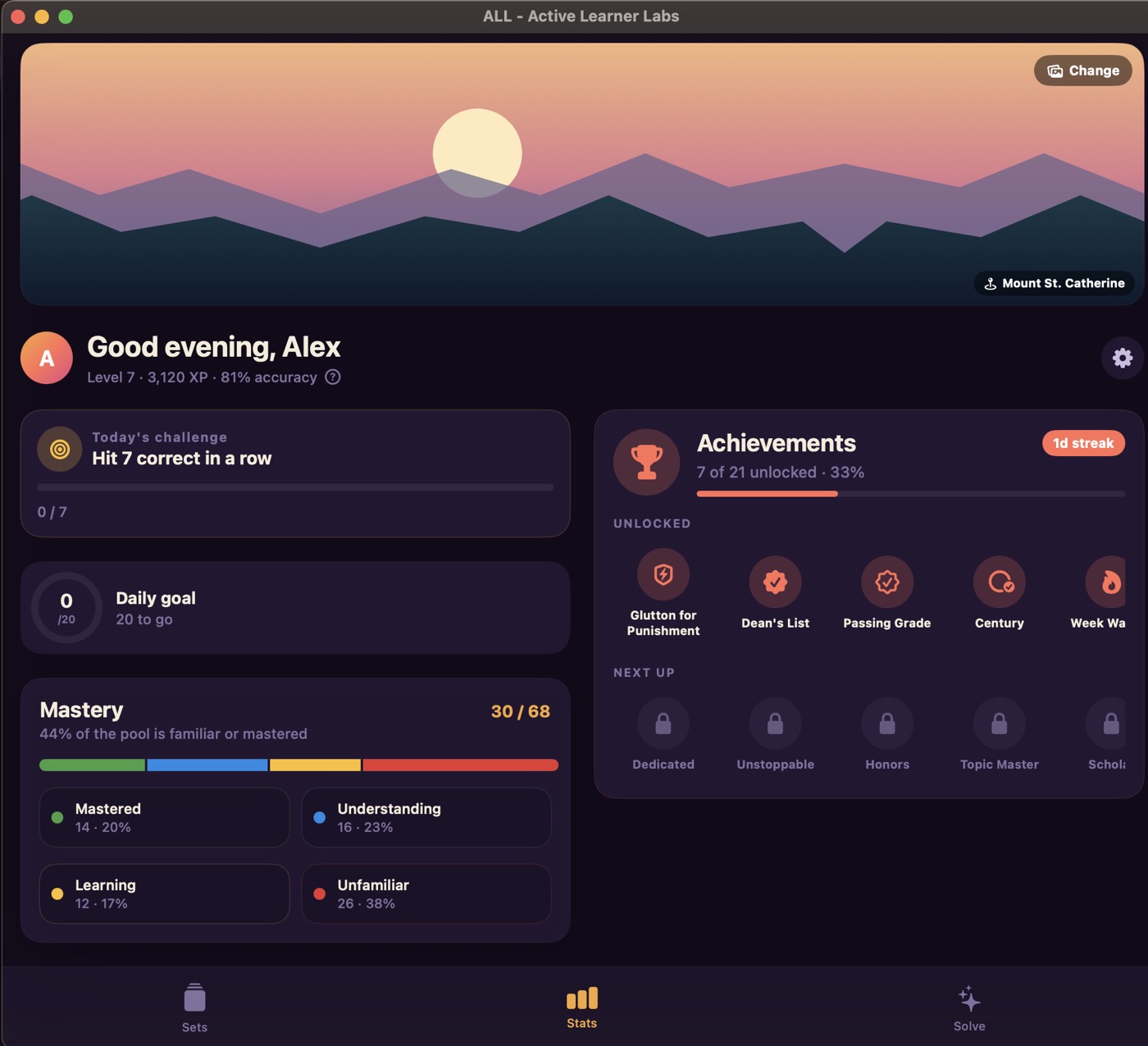
Real screens, not mock-ups — the same build that's on the App Store today, plus what's landing next.
Swipe for more →
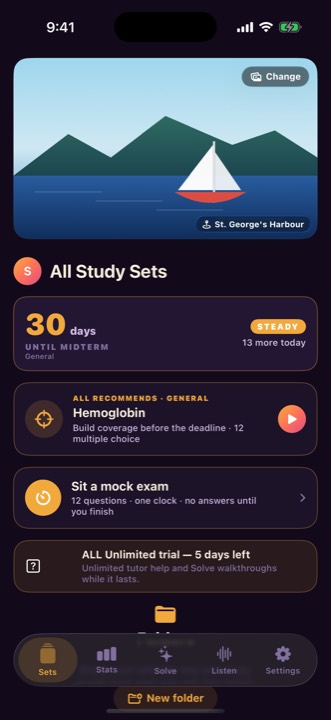
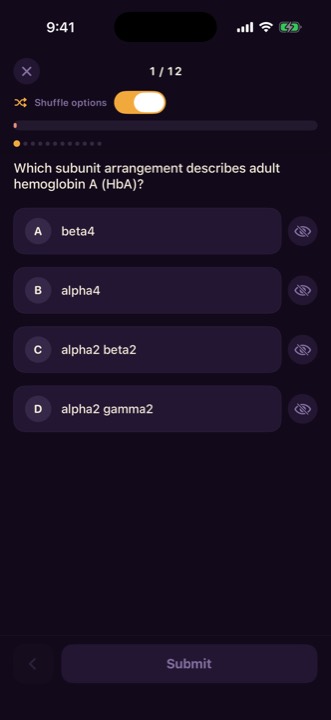
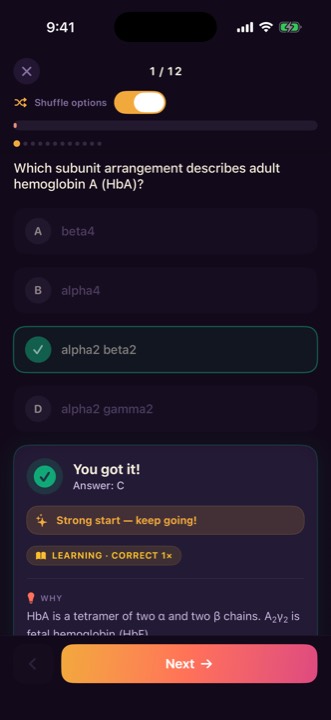
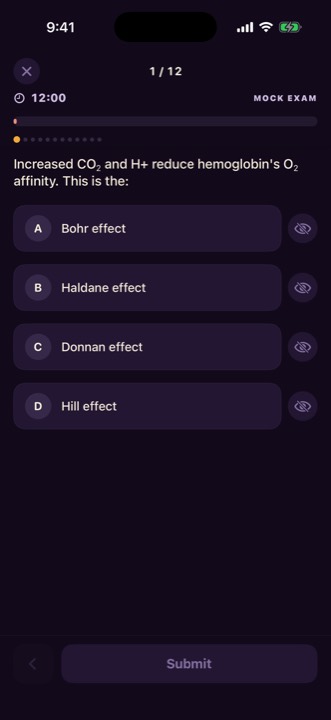
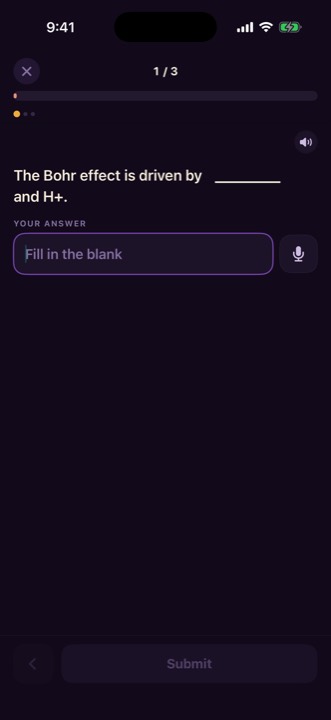
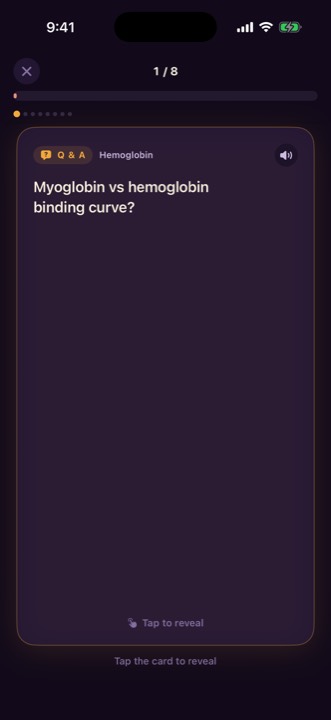
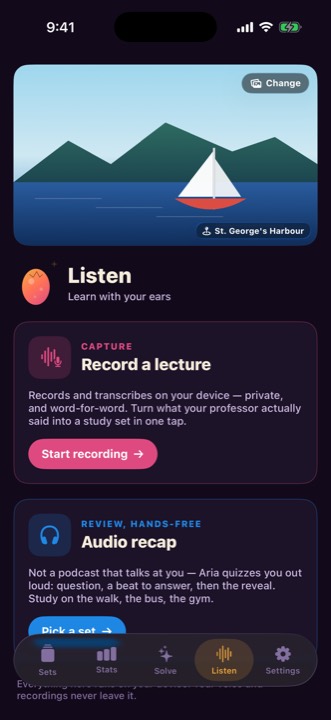
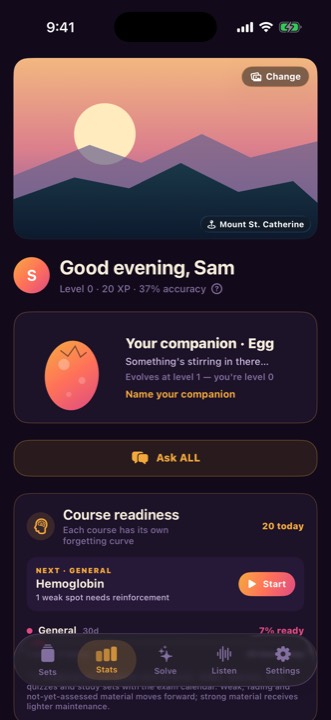
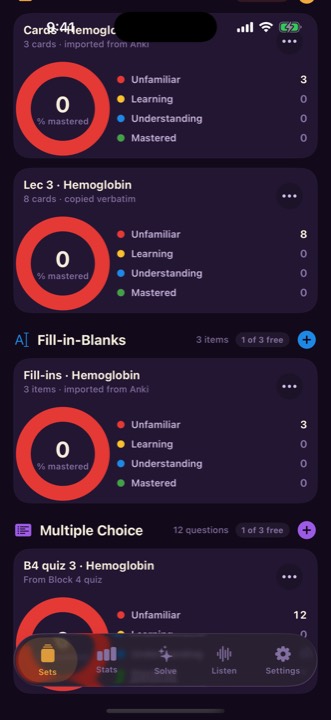
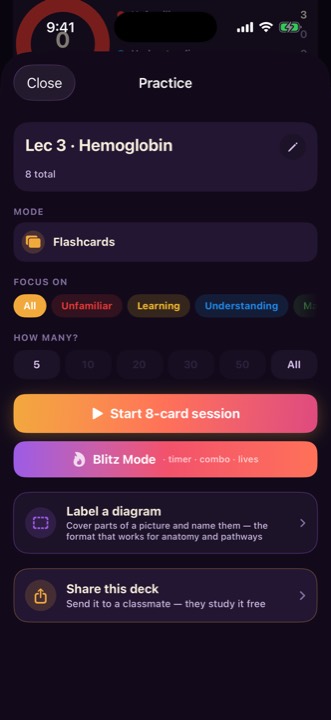
Not a web wrapper — a real Mac app, with your sets synced across both.
Try it here
This runs the same rules the app uses, right in this page — nothing is uploaded, and nothing is sent anywhere. Edit the text and the cards change as you type.
Q/A lines, term – definition, a Quizlet export, or a worksheet with blanks.
Copied word for word — nothing is rewritten.
Import & exam mode
Import your decks, then test yourself under one clock.
Open an .apkg to keep your cards, images, deck names, and cloze questions. For Quizlet, paste your export.
Build a paper from your chosen sets. You get one clock and no feedback until you submit.
Speak a fill-in-the-blank answer instead of typing. Recognition stays on your device.
Features
Your material. Better practice.
Slides, PDFs, past papers, pasted text → ready-to-study decks.
Generate practice with Apple Intelligence, your own AI key, or the built-in generator.
Get the reasoning and a memory hook for any question.
Your study companion evolves as you build mastery.
Spaced repetition resurfaces weak material before you forget it.
XP, levels, streaks, Blitz Mode, and a Boss Exam at the end of a topic.
No ALL account. Your material stays on your devices and in private iCloud.
Export any deck as a file and send it to a classmate — they can open and study it free.
iPhone, iPad, and Mac — a single purchase covers all three.
Who it's for
Made for medicine and every course with too much to remember.
Turn lectures and past papers into practice, then drill what you keep missing.
Drop in the PDF, get a quiz, and study on iPhone, iPad, or Mac.
Prepare from your own notes, privately across your Apple devices.
Pricing
Five days free. Then keep studying free, unlock ALL Unlimited for $4.99 once, or add warm OpenAI narration with ALL Pro.
$0
$4.99 — one time
$9.99 — monthly
Coming in the next ALL update. Annual option planned at $79.99.
Privacy
No ALL account. Your library stays on your devices and can sync through private iCloud. AI runs on-device where supported. Optional ALL Pro Narration sends only the text you choose through our secure service to OpenAI after you consent.
FAQ
iPhone, iPad, and Mac — one purchase covers all three.
Yes. ALL Unlimited remains a single $4.99 purchase. ALL Pro Narration is a separate, optional subscription for the metered OpenAI voice; it does not replace or remove the one-time unlock.
No. Use Apple Intelligence on supported devices, the built-in generator, or optionally your own Claude or OpenAI key.
Your material stays on your devices and can sync through private iCloud. There is no ALL account.
Yes for studying, the built-in generator, and Apple narration. Optional cloud AI and ALL Pro Narration need a connection when generating new audio; previously cached narration can replay offline.
Purchases go through Apple — refunds are handled by Apple via the App Store / “Report a Problem.”
Yes — export a deck as a file and send it; the recipient can study it free.
Free to download. ALL Unlimited is $4.99 once.